The latest devices
iPhone 18 Pro, iPhone Duo folded and unfolded, Pixel 11, Galaxy S26 Ultra and Z Fold8, iPads, Android tablets, MacBooks and monitors. Add your own sizes too.
 Chrome extension · Free
A free Chrome extension that shows any website inside realistic device frames and makes it behave like the real device: true screen sizes, the device’s user-agent, touch scrolling, plus mockups, full-page screenshots and screen recording.
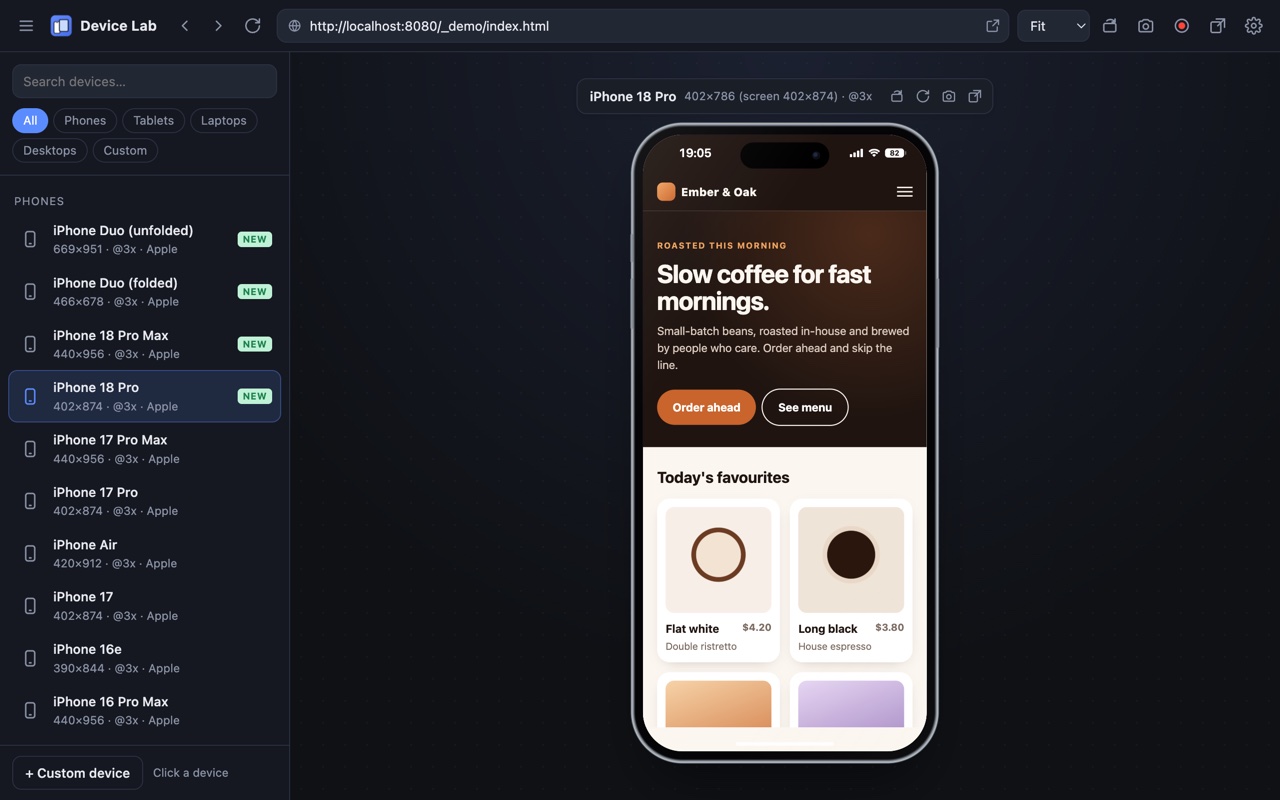
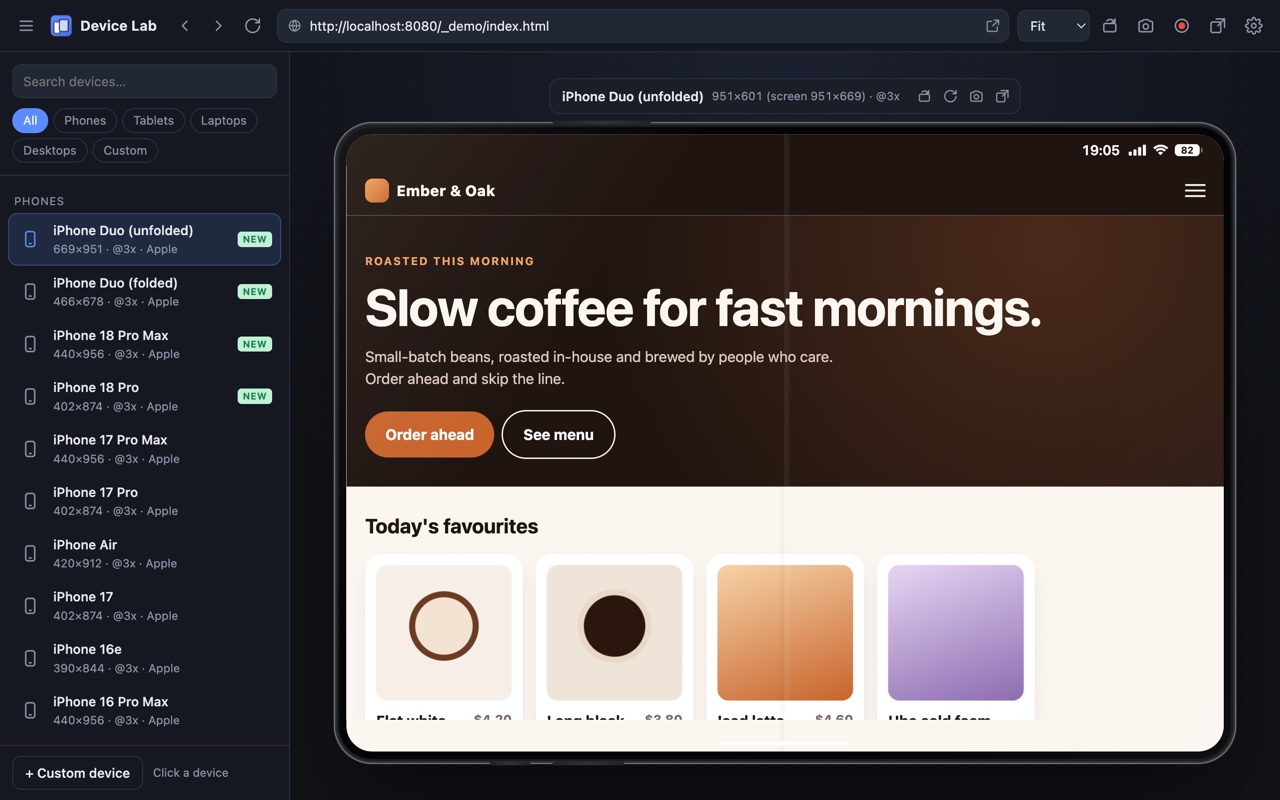
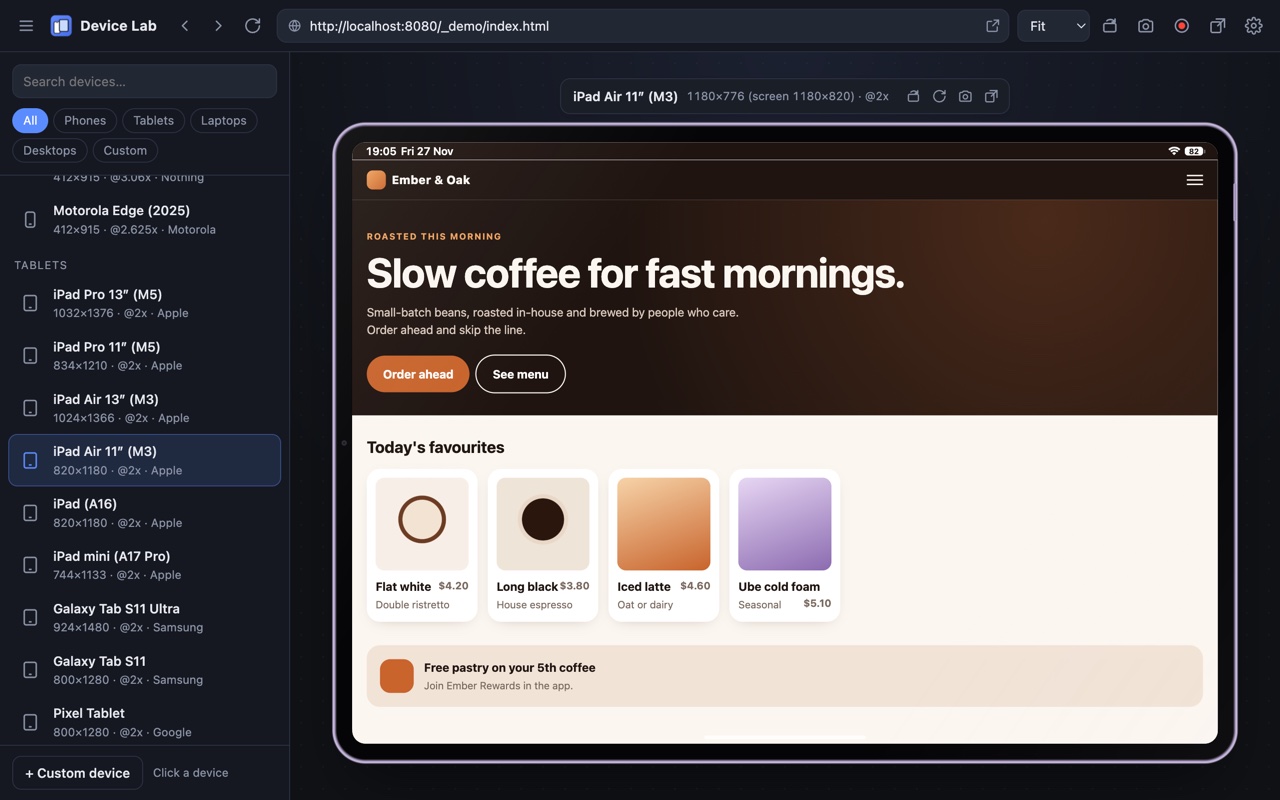
iPhone 18 Pro, iPhone Duo folded and unfolded, Pixel 11, Galaxy S26 Ultra and Z Fold8, iPads, Android tablets, MacBooks and monitors. Add your own sizes too.
Real user-agent and client hints, touch scrolling with momentum, Dynamic Island, status bar and safe areas that take up space, rotation and foldable creases.
Sharp PNGs of the device and its screen, with a transparent background and soft shadow, or on light, dark and gradient backgrounds.
The whole page, top to bottom, in one tall image. Fixed headers appear once instead of on every screen.
Record the device as an MP4 that plays everywhere. On phones and tablets the mouse pointer never shows; turn on tap circles if you want them.
Localhost dev servers, staging links and sites that normally refuse to be framed. A True emulation window adds network throttling and dark mode.
Device Lab runs entirely on your computer. It has no account, no analytics and no server, and it never collects or sends what you browse. Screenshots and recordings go straight to your Downloads folder.
Read the privacy policy